
Your Tesla car hire guide
Everything you need to collect, drive, and charge your Tesla hire car.
Getting started
Tesla key
Hold the key to the centre pillar on the driver’s side, below the camera, to lock and unlock. Let’s ride.
Charge & km display
Battery and estimated km are top-left on the driving display. Tap to toggle between % and km.
Air conditioning
Tap temperature on the bottom bar – white means on. Arrows adjust the temp. Main controls open via the temp button.
Starting the car
No ignition button. Place the key behind the cup holders, put your foot on the brake, and select your gear with the right hand stalk behind the steering wheel. Off we go.
Indicators & wipers
Left stalk controls the indicators. Push the end button for manual wiper. Lights are auto-set via settings.
Phone connection
Press the Bluetooth icon on the bottom bar. Connect phone. Start search. The phone holder underneath the main screen wirelessly charges your phone.
Turning the car off
Park the car. Press the key to the centre pillar to lock. The car will power off automatically after 15 minutes.
Reversing cameras
Cameras display automatically on the centre screen in reverse, with distance and sound indicators.
Ideal charging range
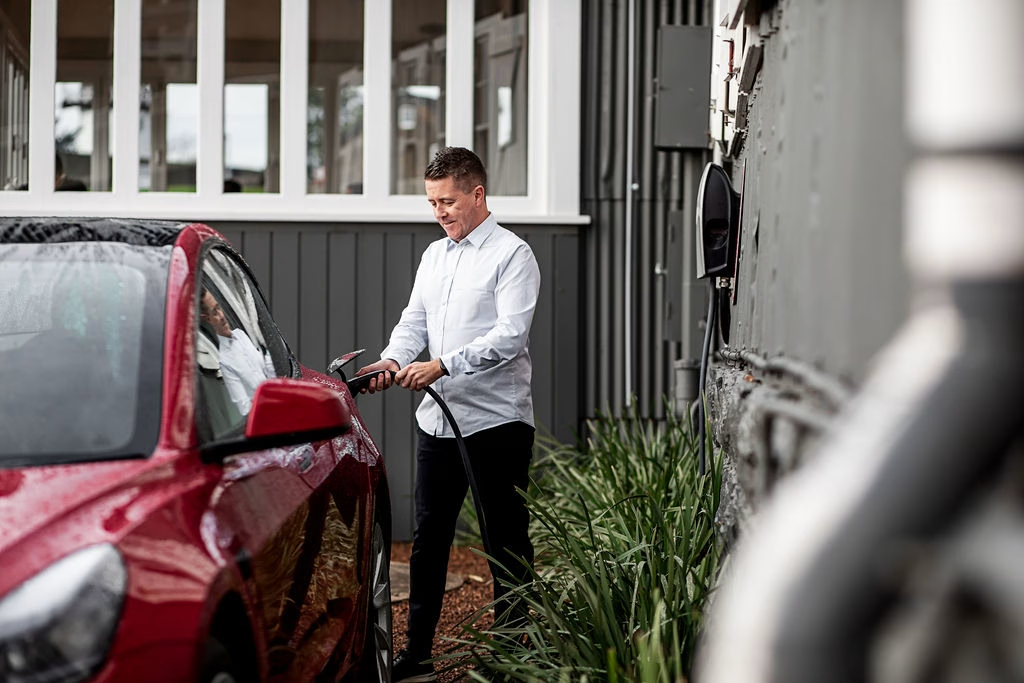
The Tesla performs best between 20 – 80%. You don’t need to charge every stop.
Charge when low (20 – 40%) and before long journeys.
Cables in the boot
240v powerpoint cable
Overnight top-up from a standard power point. Useful for next-day preparation.
Type 2 cable
For public charging towers that don’t provide their own cable. Fast charge speed.

Public charging in Tasmania
- Download PlugShare (free)
- Shows all EV charging locations in the state
- Filter by type, check availability, and find chargers at accommodation
- Chargefox RFID card
- Located in your glove box
- Tap at Chargefox stations to charge directly to our account
- We’ll charge you at the end of your trip
- No app payment needed
- How to charge at a public station?
- Pull up, select the Type 2 plug, insert firmly.
- Start charging via the app or station screen.
- When done, stop on the app or station and unplug.
- If the cable is locked, release via the car’s display screen.
- Payment apps
- Chargefox and Evie are the main operators.
- Follow on-screen instructions or use their apps to initiate charging.
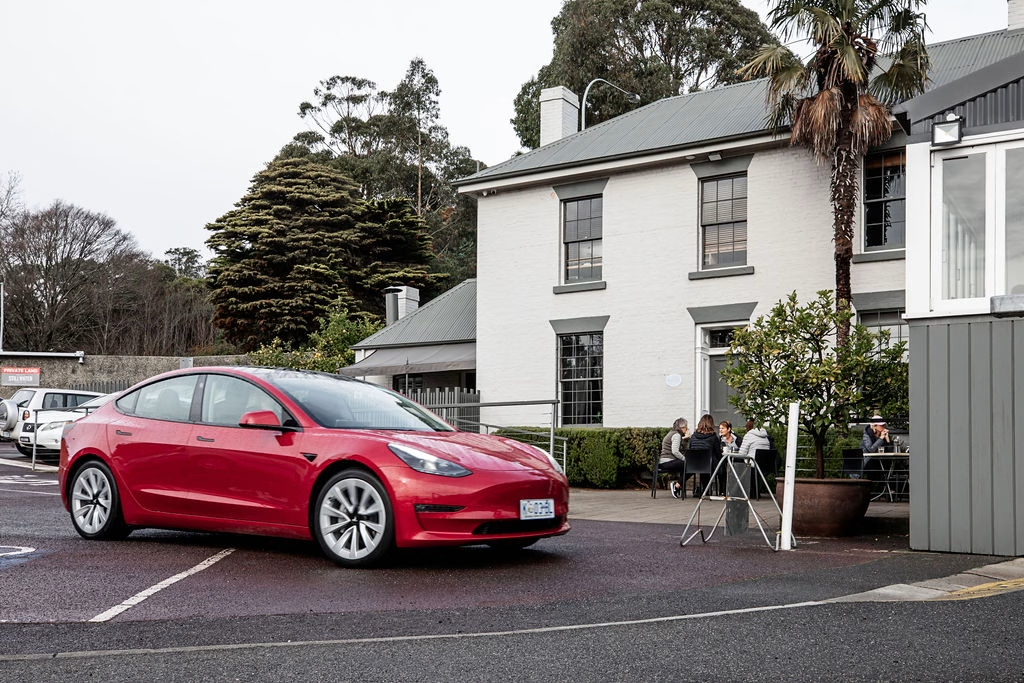
Additional charging settings can be found under :
Main settings: Car icon (bottom right): Charging
Use this to start, stop, or unlock the charging port.
Enjoy your Tasmanian Tesla hire!
